When you Track Packages Across Different Carriers, you’ll often see updates change as your order moves between logistics partners.
You stay on top of delivery by saving the tracking number, checking the shipping method, and watching for the last-mile handoff.
This guide shows you the exact steps to follow to track across carriers and act before your buyer protection window ends.
Understand Why Tracking Changes Between Carriers
International shipping often involves handoffs, so a single package may appear under different systems.
If you understand the route, you can read tracking updates with less confusion.
- Multiple partners: Your order can be delivered by several carriers across countries.
- New number: A handoff may create a new tracking ID for local delivery.
- Scan gaps: Updates can pause because scans don’t happen at every stop.
- Batch scans: Big hubs scan parcels in groups, then post updates later.
- Different wording: Time zones and carrier systems can change the tracking labels.

Collect the Tracking Info Before You Start
You track faster when you gather the right details before you open any tracker. This also helps you prove delays if you need support or a dispute.
- Copy the tracking number exactly: Check for similar characters like 0/O and 1/I.
- Save the shipping method name: It affects speed, scan frequency, and which carriers will appear.
- Note the logistics provider listed: Marketplaces often show a carrier name different from the last-mile carrier.
- Look for a second tracking ID: Some orders add a local number after export or customs.
- Record key dates: Keep the order date, ship date, and estimated delivery window.
- Screenshot important scans: Save acceptance, export, customs, and out-for-delivery events.
Use a Multi-Carrier Tracker the Right Way
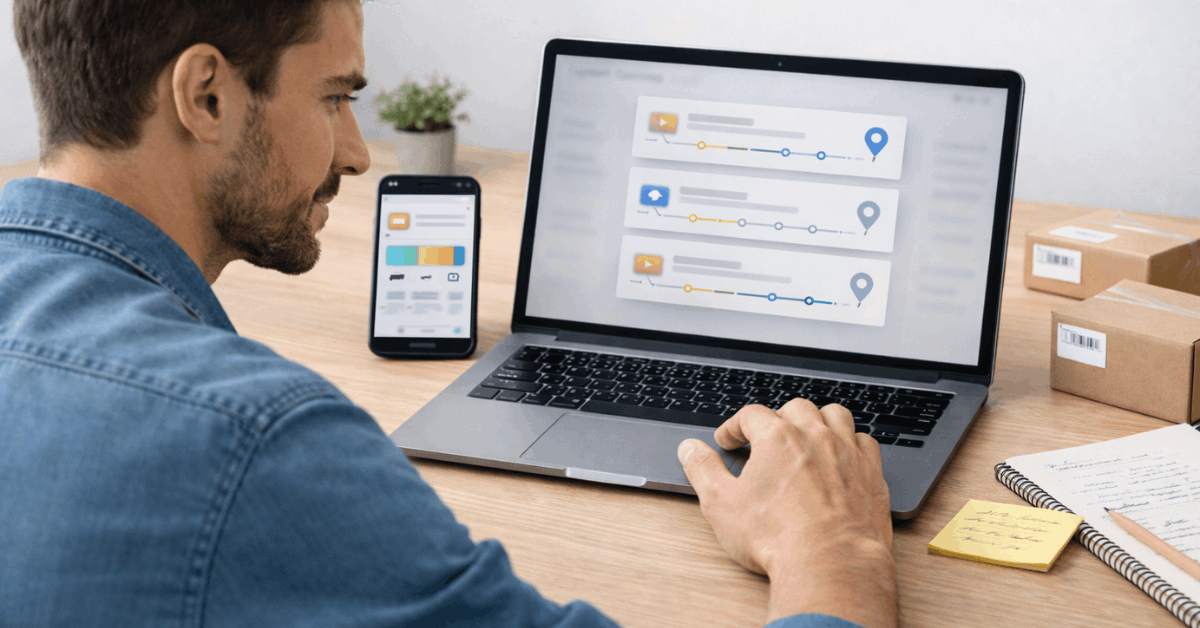
A multi-carrier tracker helps when you don’t know the carrier yet or when your parcel switches networks.
You get better results when you focus on the events and confirm the last-mile carrier early.
- Paste the tracking number once: Avoid retyping and reduce errors from wrong characters.
- Let the tracker auto-detect first: It can identify the origin carrier and route faster than manual guessing.
- Watch for “destination carrier” hints: Many trackers show a suggested last-mile carrier after import.
- Read the key milestones, not every line: Focus on pickup, export, arrival, customs, and out for delivery.
- Check the timestamp and location: This helps you spot stall points and hub transfers.
- Turn on alerts: Notifications help you catch movement without refreshing all day.
- Switch to official tracking near delivery: Once the last mile begins, the carrier’s site is usually more detailed.
Switch to the Carrier’s Official Tracking at the Right Time
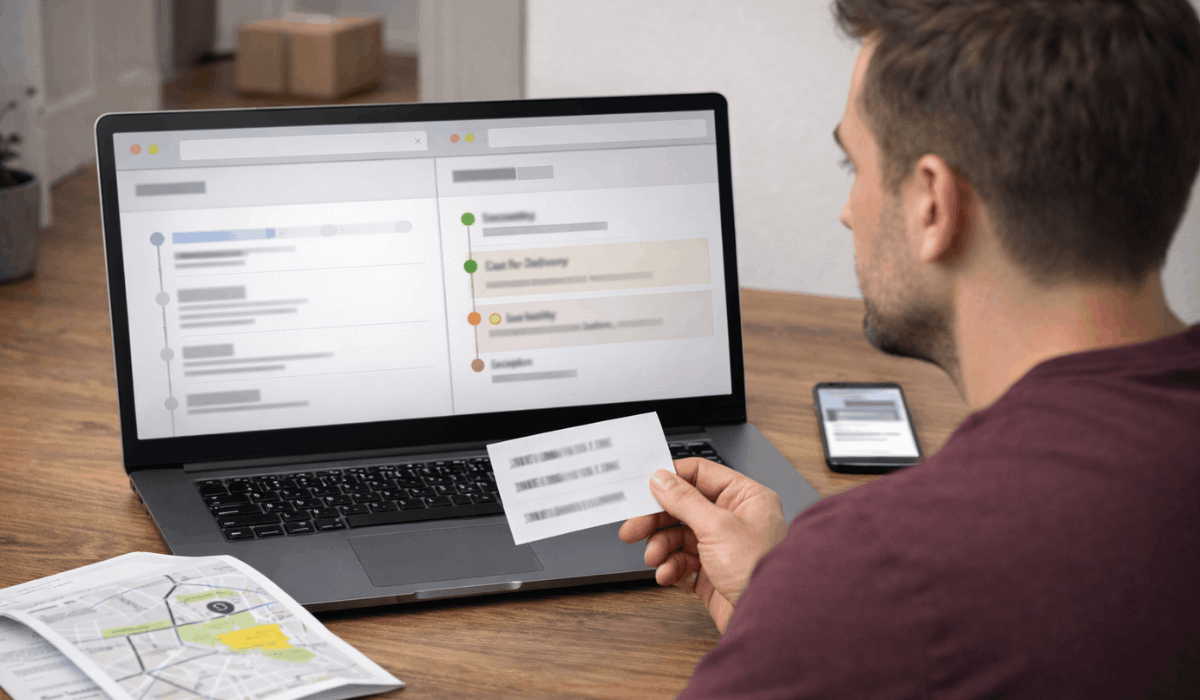
A multi-carrier tracker is best for the cross-border phase, but official tracking is stronger near delivery.
You switch at the right time when the parcel clearly enters the last-mile network.
- Switch when you see local scans: “Arrived at local facility,” “processed at depot,” or “out for delivery” usually indicate the last mile has started.
- Look for a new tracking ID: Official sites often show a linked local number that updates more reliably.
- Use official tracking for delivery exceptions: “Failed delivery,” “address issue,” and “held at depot” details are clearer on the carrier site.
- Check proof-of-delivery info: Some carriers show a delivery photo, signature status, or GPS area detail.
- Confirm delivery options: Official pages may offer instructions for rescheduling, a pickup point, or a safe place.
- Match the carrier to your area: Make sure the site fits your city and country, not just the origin carrier.
Customs and Clearance Tracking
Customs is where international packages most often slow down, even when tracking looks normal.
You track it better when you know the common statuses and what actions you might need to take.
- “Arrived in destination country” is not delivery: It usually means the parcel reached an import hub, not your local depot.
- “Presented to customs” is a waiting stage: The shipment is queued for review, and updates may be slow.
- “Held by customs” may need action: The carrier may request ID, an invoice, or a duty/tax payment.
- “Customs cleared” still needs a handoff: It can take 1–3 days for the parcel to move to the last-mile carrier system.
- Watch for duty payment messages: Check your email, SMS, and the carrier site for payment links you trust.
- Keep your documents ready: Save the order receipt, item value, and shipping proof for verification.
- Escalate if it stalls too long: If there is no movement past customs for many days, contact the carrier or marketplace support before protection ends.
Tracking Problems and Fixes
Tracking issues are common with international orders, especially during handoffs and customs.
You fix most problems by checking the right details first, then escalating before your buyer protection window ends.
- No updates for days: Check weekends, holidays, and long transport legs, then look for the last scan location.
- Tracking says “delivered,” but you don’t have it: Check reception, neighbors, mailroom, and delivery photo or signature if available.
- “Not found” or invalid tracking: Wait 24–72 hours after the label is created, and confirm every character in the number.
- New tracking number appears: Use the new local ID on the last-mile carrier site for better updates.
- Stuck at “customs” or “clearance delay”: Watch for duty/ID requests, then contact the carrier if it stalls too long.
- Address or delivery exception: Verify your address format, phone number, and add delivery notes on the carrier site if possible.
- Looping or wrong route: Hubs can mis-sort parcels, so track the pattern and contact support if it repeats across multiple scans.
When to Contact the Seller, Marketplace, or Carrier
You get faster results when you contact the right party for the current shipping stage. Your goal is to fix the issue and protect your buyer protection deadline.
- Seller: Tracking is missing, incorrect, or never updates after dispatch.
- Seller: Shipping method, address format, or item details don’t match the order.
- Marketplace: Your buyer protection deadline is approaching, and delivery is still unclear.
- Marketplace: The seller stops replying, delays answers, or refuses to fix it.
- Carrier: It’s in the last-mile, and you see “exception,” “failed delivery,” or “held.”
- Carrier: Tracking says “delivered,” but you need proof or location details.
- All contacts: Send order ID, tracking number, last scan date, and issue summary.
Delivery Time Expectations for International Orders
International delivery is a chain of stages, so “fast” depends on the shipping method and the number of handoffs.
You set better expectations when you track by milestones rather than just the estimated date.
- Processing time comes first: Sellers may take 1–7 days to pack and hand off the parcel, even before tracking moves.
- The export stage can look quiet: “Departed origin” may be the last scan before a long flight or linehaul leg.
- Import and customs add variance: Clearance can take hours or many days, depending on volume, item type, and paperwork.
- Last-mile is usually the most active: Once a local carrier scans it, updates often speed up, and delivery is closer.
- Economy shipping updates less often: Fewer scans and longer gaps are normal with low-cost methods.
- Express shipping is more predictable: More frequent scans, faster handoffs, and better support are common.
- Use a simple time check: If there’s no movement past a key milestone for too long, escalate before buyer protection ends.
The Bottomline
When you Track Packages Across Different Carriers, watch key milestones and switch to official last-mile tracking.
Save tracking proof and keep an eye on your buyer protection deadline so you can escalate on time.
Use this method on your next order and track smarter today.