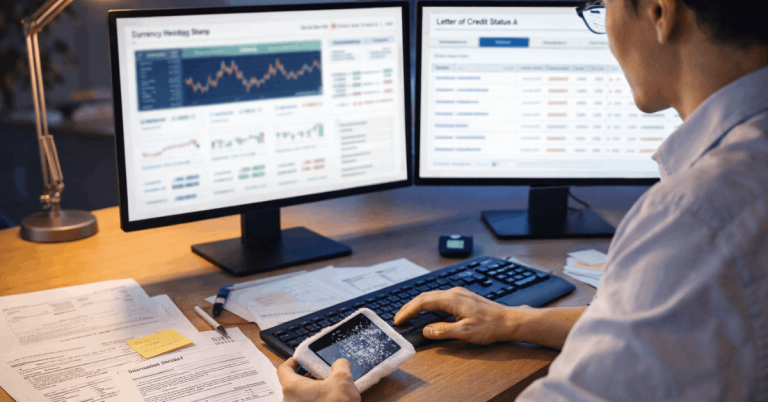
Currency conversion can change your final price even when the listing looks cheap.
You often pay a different total because the exchange rate moves, and the platform, your card, or your payment app may add fees or a rate markup.
When you know where conversions occur and what triggers extra charges, you can estimate the true cost before you place the order.
Why the Price Changes After You Click “Pay”
The price can change after you click “Pay” because the amount you see is often an estimate.
The final charge depends on when the currency is converted and which service applies the rate and fees.
- Estimated Rate — The checkout rate is a preview and may not be the rate used when the charge posts.
- Settlement Timing — Your card may finalize the conversion 1–3 days later, after the rate changes.
- FX Fee — Your bank may add a foreign transaction fee to the converted amount.
- Cross-Border Fee — An extra fee when the seller or processor is outside your country, even in your currency.
- DCC Prompt — “Pay in your currency” usually applies a marked-up rate set by the merchant/platform.
- Tax/Duty Conversion — Taxes or import costs may be calculated separately and converted at another rate.
- Split Charges — Multiple shipments or partial captures can result in multiple conversions and additional fees.
The 3 Numbers You Must Compare
To understand your real cost, you need to compare three numbers instead of trusting the first price you see.
These three totals show where conversion and fees start changing your final amount.
- Listing Price — The seller’s base price in the product currency, often before shipping, tax, and conversion.
- Checkout Total — The marketplace’s calculated total with shipping, tax/duties (if shown), discounts, and an estimated conversion.
- Final Posted Charge — The amount that appears on your card or payment account after conversion timing, network rates, and any issuer fees.
Where Conversion Happens and Who Sets the Rate
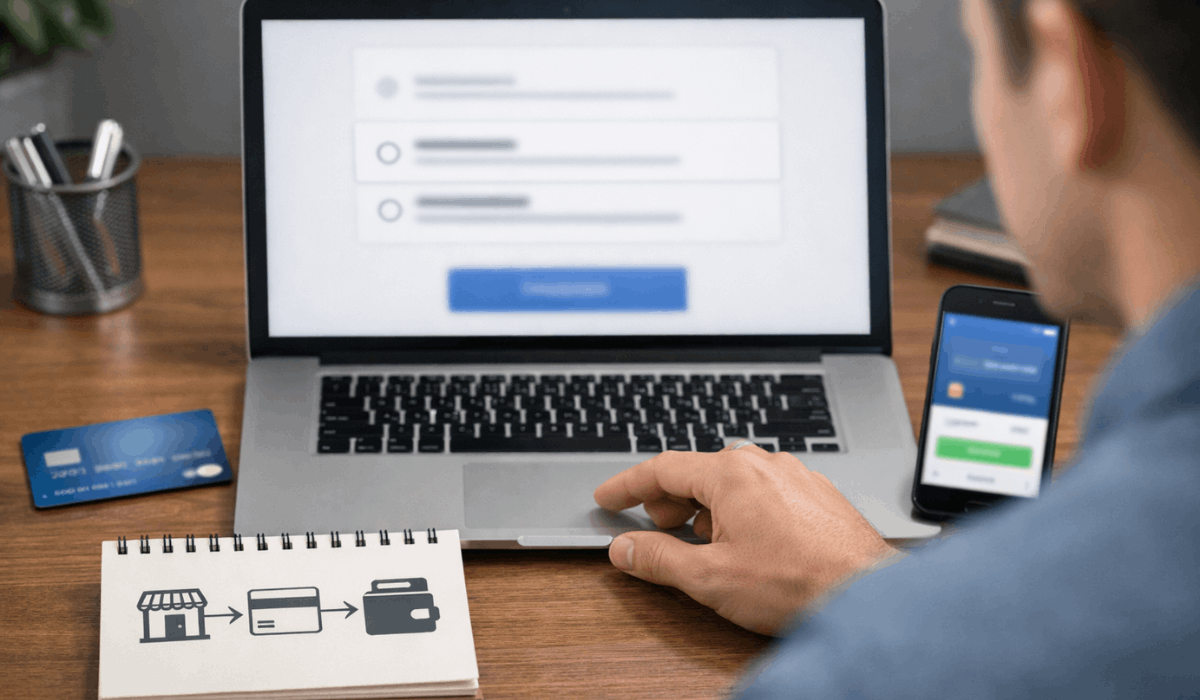
Currency conversion can occur in multiple places, and each can use a different rate and add different fees.
When you know who converts your payment, you can predict the final charge and avoid expensive options.
- Marketplace Conversion — The platform converts at checkout using its own rate, usually with a built-in margin.
- Card Network Conversion — Visa/Mastercard/Amex applies a daily network rate when the payment settles.
- Bank/Issuer Conversion — Your bank may apply its own rate or add foreign transaction and cross-border fees.
- Payment App Conversion — PayPal or an e-wallet can convert using its own rate table and fees.
- Local Currency Choice (DCC) — A merchant or platform offers “pay in your currency” with a marked-up rate they set.
Fees That Quietly Raise Your Final Price
Your final total can jump even when the exchange rate looks fine, because additional fees are added during processing.
These fees are common in international buying, and they usually appear only on your card statement or receipt breakdown.
- Foreign Transaction Fee — A percentage fee your card issuer adds for purchases processed outside your country.
- Cross-Border Fee — An extra charge when the merchant account or payment processor is overseas, even if you paid in your currency.
- Dynamic Currency Conversion (DCC) Markup — A higher “pay in your currency” rate that includes a hidden margin.
- Marketplace Conversion Markup — The platform’s exchange rate can include a built-in spread above the mid-market rate.
- Payment App FX Fee — Wallets and payment services may add their own conversion fees or rate spread.
- Shipping Conversion Spread — Shipping in another currency can be converted at a different rate than the item price.
- Tax/Duty Handling Fees — Import processing or brokerage fees that sit on top of tax/duty amounts.
How to Predict Your True Final Cost Before You Buy
You can estimate your actual total before buying by checking the currency, the conversion method, and the fees that apply.
A simple routine helps you avoid checkout surprises and makes refunds easier to track.
- Confirm the Currency at Listing — Note the seller’s currency so you know what will be converted.
- Review the Full Checkout Breakdown — Add shipping, tax/VAT, and any duty estimate before thinking about conversion.
- Identify Who Converts — Check if the marketplace, your card, or your payment app is setting the rate.
- Check Your Card’s FX Fees — Look for foreign transaction and cross-border fees in your issuer terms.
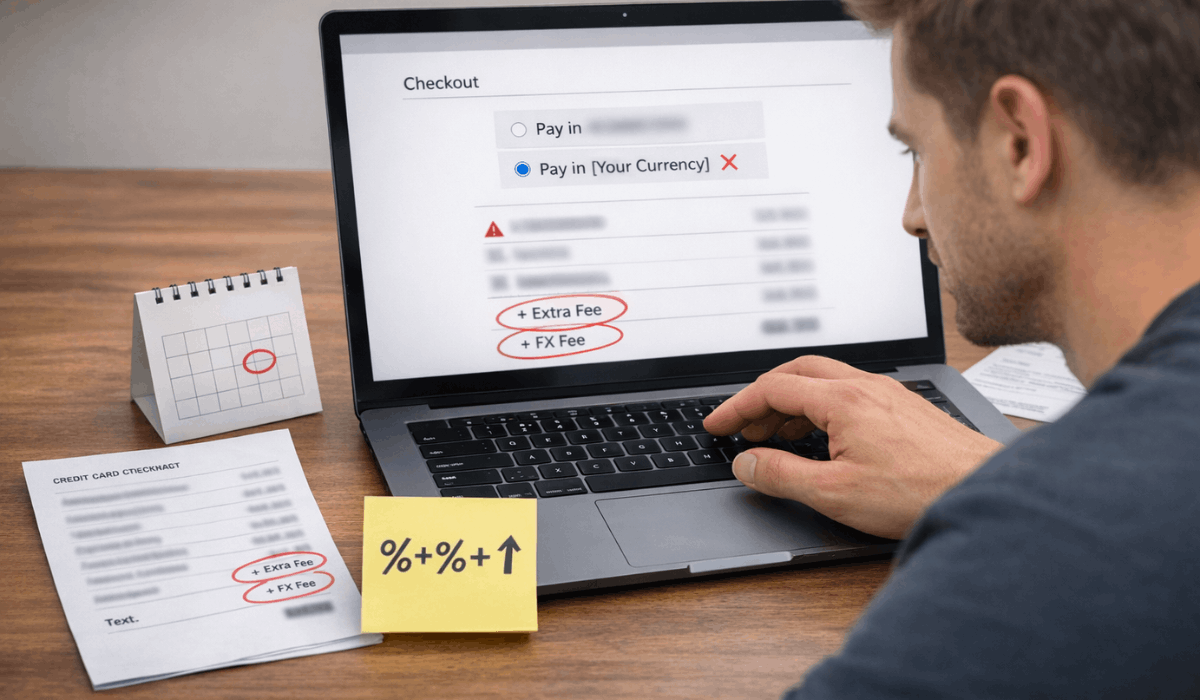
- Avoid DCC at Checkout — If you see “pay in your currency,” compare it to paying in the seller’s currency.
- Add a Safety Buffer — Add a small percentage to account for rate changes and unexpected processing fees.
- Save Proof of Totals — Screenshot listing price, checkout total, and the currency option you selected.
How to Lower Conversion Costs Without Taking Risks
You can cut conversion costs without hurting your buyer protection if you choose the right payment option and avoid marked-up conversions.
The goal is to pay with a method that uses a fair rate, adds the fewest fees, and keeps the transaction trackable.
- Pay in the Seller’s Currency — Skip expensive “your currency” markups when your card rate is better.
- Avoid DCC Offers — Decline “pay in PHP” prompts if they use a worse exchange rate.
- Use a Low-Fee Card — Prefer cards with no foreign transaction fee and clear international billing terms.
- Check Cross-Border Fees — Read your issuer’s fee list to see what triggers extra charges.
- Use One Payment Method Consistently — Fewer conversions and cleaner records for disputes and refunds.
- Bundle Purchases When Practical — Fewer small charges can mean fewer fee hits and rate exposures.
- Keep Proof of Currency Choice — Screenshot the currency selected at checkout in case of billing disputes.
Quick Checklist Before You Place an International Order
Use this quick checklist to confirm the real cost and reduce surprises before you place an international order.
It also helps you keep clean records if you need a refund or dispute later.
- Listing Currency — Note the currency shown on the product page.
- Checkout Currency — Confirm what currency you will actually pay in.
- Who Converts — Identify if conversion is done by the marketplace, your card, or your payment app.
- DCC Avoided — Decline “pay in your currency” if it adds a markup.
- FX Fees Checked — Verify foreign transaction and cross-border fees for your card/payment method.
- Shipping Total Confirmed — Make sure shipping is included and not converted separately later.
- Tax/Duty Estimate Saved — Screenshot any tax/VAT/duty estimate and the currency used.
- Final Total Screenshot — Save the final checkout screen showing totals and currency choice.
- Refund Rules Reviewed — Check how refunds are handled with currency conversion and fees.
To Conclude
Currency conversion changes your final price because rates move and different providers add their own fees or markups.
You avoid surprises by comparing the listing total, the checkout total, and the final posted charge, then choosing the conversion option with the lowest real cost.
Before you place your next international order, use the checklist in this guide and save your checkout screenshots so you stay in control of the total you pay.