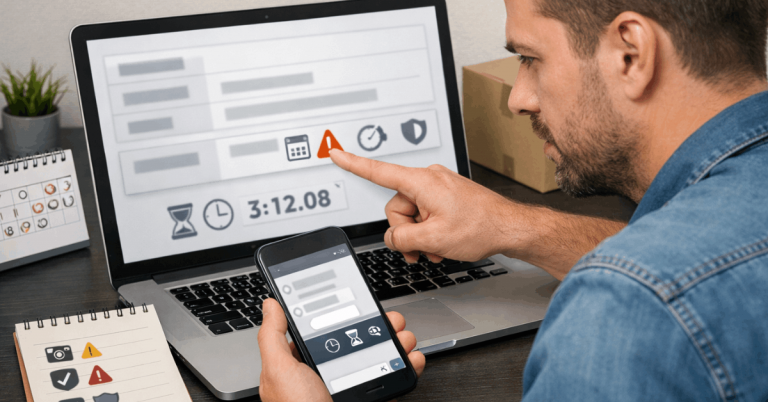
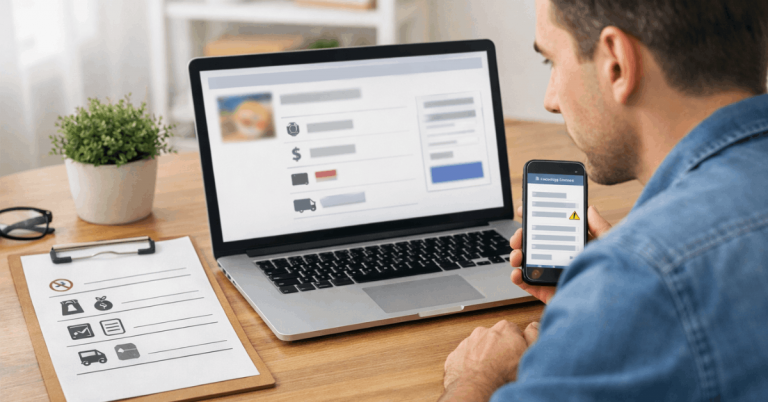
Tracking says “in transit” for eleven days straight. No scans. No updates. Just a blinking dot on a map that stopped moving somewhere between Shenzhen and your front door.
That sinking feeling hits every first-time cross-border buyer. And the international shipping times listed at checkout rarely match reality.
The problem isn’t slow shipping. The problem is that nobody teaches you which silences are normal and which ones mean your package is lost.
This guide breaks international shipping times into stages you can read, predict, and act on. No vague promises, just specific scan events and real triggers for when something has gone wrong.
Every Stage of International Shipping Times Broken Down
A single number on a product page tells you almost nothing. International shipping times cover at least four separate phases, and each phase has its own speed, its own delays, and its own set of problems.
Knowing which stage your package sits in determines whether you wait, call, or file a claim.

Order Processing vs. Actual Shipping
Payment confirmed doesn’t mean shipped. Seller processing time is the gap between your order and the moment a carrier actually touches the package. Some sellers take 1-2 days. Others sit on orders for a week.
The tracking page might show “label created” during this phase. That status means a shipping label exists in the system, but the parcel hasn’t moved.
I would argue that label created is the single most misleading status in package tracking, because buyers see it and assume their item is on the way.
Count your shipping time from the first carrier acceptance scan, not from the label creation date. That one adjustment changes how you calculate whether a package is late.
Transit and Hub Transfers
Once a carrier accepts the parcel, it moves between sorting hubs, airports, and distribution centers. Scan gaps during this stage are completely normal, especially on economy shipping routes where packages travel by sea or consolidated air freight.
A 7-10 day gap between scans on an economy shipment doesn’t automatically mean something went wrong. Express shipments should show movement every 1-3 days. That difference matters when you’re deciding whether to panic or wait.
Customs Clearance Takes Its Own Sweet Time
Customs is a black box for most buyers. Packages enter a country, sit in a queue, and either clear or get held. The reasons for a hold include inspection, value review, item category checks, and mismatched documents.
Here is what catches people off guard: customs clearance has almost no tracking visibility. Fewer scans are normal during this phase. A package can sit in customs for 3-5 days with zero updates and still clear without any issue.
The real red flags at customs are specific: a hold notice requiring documents from you, a payment request for duties or taxes, or a flag on restricted items like batteries or liquids.
Economy vs. Express International Shipping: Picking the Right Speed
The shipping method you pick at checkout determines almost everything about your delivery timeline. But the labels sellers use can be misleading, so comparing them requires attention to specific details.
What Each Tier Costs You in Time
| Shipping Tier | Typical Transit Window | Scan Frequency | Customs Predictability |
|---|---|---|---|
| Economy/Standard | 15-45 days | Sparse, long gaps normal | Low, more manual processing |
| Expedited | 7-15 days | Moderate, every few days | Medium |
| Express (DHL, FedEx, UPS) | 3-7 days | Frequent, daily or more | High, pre-cleared shipments common |
Express carriers tend to pre-clear packages through customs before arrival, which eliminates the customs black-box problem almost entirely.
The Hidden Factor: Carrier Handoffs
A package that starts with DHL in China might end up with your national postal service for the last mile. That carrier handoff is where tracking often goes dark for 1-3 days, because the new carrier needs to scan it into their own system.
Look for a second tracking number on your order page. If the carrier changed after arrival in your country, the original tracking link won’t show last-mile updates.
I think this handoff gap causes more unnecessary panic than any other stage in international shipping, because the package looks stuck when it’s already in your city.
How to Read Tracking Updates Like a Pro
Tracking pages throw a lot of text at you. Some of it matters. A lot of it doesn’t. The skill is knowing which scan events tell you something useful and which ones are just noise.
Scans That Tell the Real Story
Not every tracking update deserves your attention. Focus on these specific events that mark real progress:
- Acceptance/first scan: the parcel entered the carrier network and transit has started
- Export cleared: the package left the origin country without issues
- Arrived in destination country: import processing begins, customs is next
- Out for delivery: a driver has your package on a truck that day
Everything between those four events is filler. “Departed facility” and “arrived at hub” updates confirm movement, but they don’t change your action plan.
When “No Scan” Is Normal vs. a Problem
This is the part that drives people crazy. Setting a no-movement trigger based on your shipping tier saves hours of refreshing and worrying:
- Economy: no scan for 14+ days after the last confirmed movement warrants a check
- Expedited: no scan for 7+ days is worth contacting the carrier
- Express: no scan for 3+ days means something needs attention
A trigger isn’t a panic button. A trigger is the point where you stop waiting and start gathering your screenshots for a support message.
Also read: Buying Internationally for the First Time: A Guide
Proof to Save Before Anything Goes Wrong
I would say that saving proof early is more useful than any tracking app. A dispute without documentation goes nowhere. A dispute with timestamped screenshots of every stage gets resolved faster.
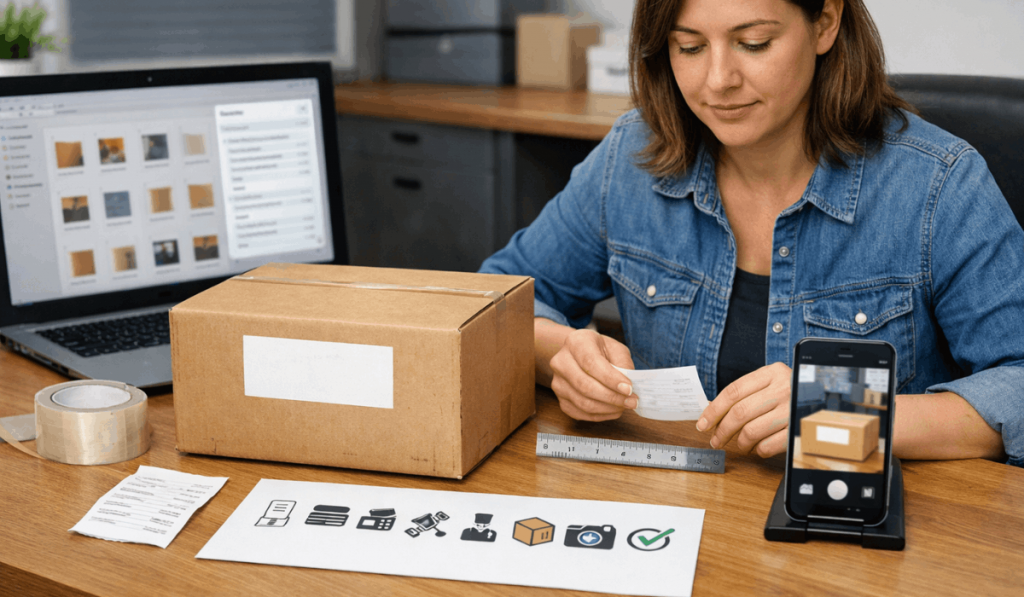
Keep these items in one folder on your phone or computer the moment you place an order:
- Checkout screenshot: the delivery estimate, shipping method, and total cost shown before payment
- Order confirmation email: order ID, item details, seller name, and your shipping address
- Tracking screenshots at each stage: capture scans, handoffs, holds, and delivery confirmation
- Payment receipt: transaction ID from your bank, PayPal, or credit card
- Delivery condition photos: the box, label, any damage, and the item itself on arrival
That last one is easy to forget. If a package arrives damaged, photos taken after you’ve opened everything and thrown away the box won’t help your claim.
How to Compare Sellers Using Shipping Speed
Two sellers on the same platform selling the same product can have completely different shipping reliability. The shipping clues visible before you buy tell you more than the star rating.
Processing Time and First-Scan Speed
Short processing time listed on the seller’s page usually means faster dispatch. But the better signal is how quickly the first carrier acceptance scan appears after your order.
A seller who creates a label on day one but doesn’t hand the package to a carrier until day five is slow, regardless of what the listing says.
Check recent buyer reviews for real delivery dates. Filter for reviews from your country or region. A five-star review from someone in the same warehouse country tells you nothing about cross-border speed.
Repeated Damage and Late Arrival Patterns
Multiple reviews mentioning “arrived late and damaged” together are a delivery-risk flag. Late arrivals and damage often share the same root cause: cheap packaging and the slowest available shipping lane. If three recent reviews mention both problems, pick a different seller.
My contrarian take: I disagree with the common advice to always contact the seller the moment tracking stops updating. On economy shipments, premature contact just generates a canned “please wait” response that wastes your time and theirs.
Set your no-movement trigger first, wait until that threshold passes, and then contact support with a clear evidence pack: order ID, tracking screenshots, and the specific date range of inactivity.
That approach gets faster results than firing off a panicked message on day three of a 30-day economy shipment.
Quick Steps When an International Package Is Stuck
A stuck package needs a plan, not a prayer. Start by identifying which stage the package is in: processing, export, transit, customs, or last-mile.
Each stage has a different responsible party. Carrier support handles transit and clearance issues. The seller handles dispatch questions. The platform handles claim filing. Contacting the wrong party wastes days.
Send support messages that include your order ID, screenshots of the delivery estimate shown at checkout, and the full tracking timeline. One clear message with all the proof beats five vague follow-ups, and platforms like 17Track can consolidate tracking across carriers.
For customs-related holds, respond quickly with consistent documents: the invoice, proof of payment, and order confirmation. Mismatched names, totals, or item descriptions across your documents are the most common reason customs holds drag on.
The Universal Postal Union maintains standards for cross-border postal shipments that explain what postal carriers can and can’t do during import processing.
Questions People Ask About International Shipping Times
Q: Does “label created” mean my package shipped?
No. Label created means the seller printed a shipping label or registered one in the carrier’s system. The package might still be sitting in a warehouse. True shipment starts at the first carrier acceptance scan.
Q: Why did my tracking stop updating for a week?
Scan gaps happen during hub transfers and customs processing. Economy shipments routinely go silent for 7-14 days between international hubs. Check your shipping tier before assuming the package is lost.
Q: Can I speed up customs clearance?
Not directly, but responding fast to any document requests helps. Customs holds caused by missing invoices or payment proof can add days if you don’t check for notifications from the carrier or postal service.
Q: Should I pay for express shipping on every international order?
Express makes sense for time-sensitive or high-value purchases. For a $12 phone case, economy shipping with a longer wait is the rational choice. Match the shipping speed to what the item is worth to you.
Q: What happens if my package clears customs but never arrives?
Once cleared, the package enters the local delivery network. Contact the local carrier listed in your tracking. If the last scan shows “handed to local carrier” with no movement for several days, the local carrier is the one who can locate it.
Conclusion
International shipping times make more sense once you stop treating tracking as a countdown clock. Scan events, carrier handoffs, and customs holds all follow patterns you can learn to read.
Save your proof early, set no-movement triggers matched to your shipping tier, and contact the right party at the right stage. The next cross-border order will feel a lot less like a gamble and more like a system you control.