Ordering something online from another country feels simple until the credit card statement arrives. That gap between the checkout number and the posted charge catches buyers off guard every single time.
Currency conversion fees sit between the price tag and the amount your bank collects. The spread can be small or painful, depending on who converts the payment and when.
Each international purchase passes through multiple hands. The marketplace, the card network, and the issuing bank can each apply a different exchange rate and tack on separate fees.
So the real question for anyone shopping across borders: how do you figure out what you’ll pay before the charge posts?
Why the Checkout Price and the Posted Charge Never Match
The number at checkout is a preview. Think of it like an estimate on a restaurant bill before the tip gets added, except three different parties might be adding their own version of the tip.
Several moving parts create the gap between checkout and the final posted charge, and each one can shift the total in a different direction.
Settlement Timing and Rate Shifts
The checkout rate is a snapshot. Your card issuer may not finalize the conversion until 1 to 3 days later, after the exchange rate has already moved. A rate swing of even 0.5% on a $200 purchase adds another dollar to the bill without any visible fee.
This delay is the part that confuses people. The rate looked fine at checkout. But the rate that matters is the one applied when the payment settles, and that can be a completely different number.
The Foreign Transaction Fee Stack
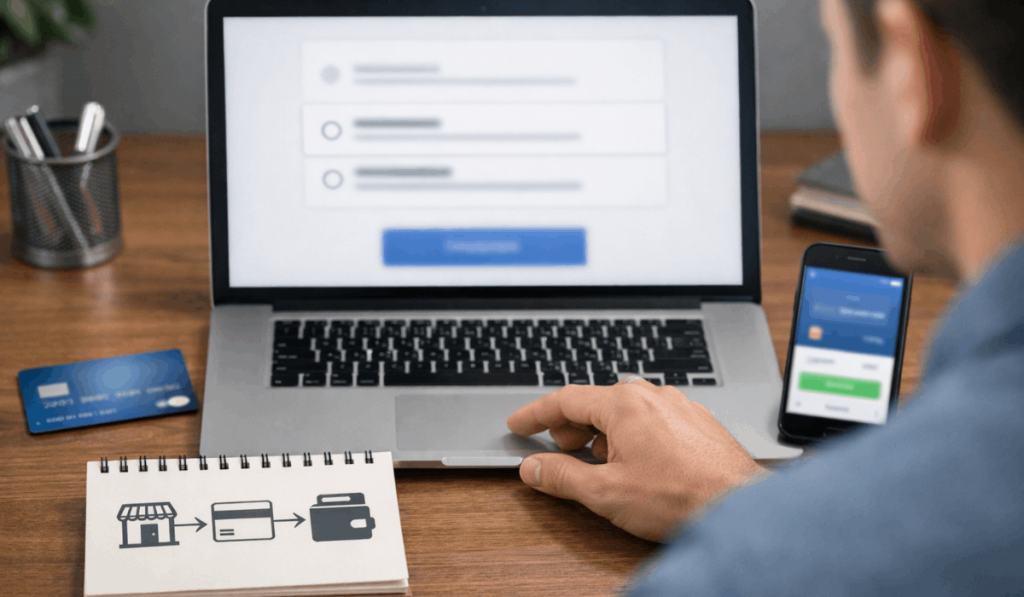
Your bank can add a foreign transaction fee (usually a percentage of the converted amount) and a separate cross-border fee when the merchant’s payment processor sits in another country. These two fees stack.
A card charging 1.5% for foreign transactions plus 1% for cross-border processing means 2.5% added to every international purchase before you even look at the exchange rate.
The frustrating part? Cross-border fees can apply even when the seller charged in your local currency. The fee triggers based on where the payment processor is located, not what currency appears on screen.
Dynamic Currency Conversion Markups
That “pay in your currency” popup at checkout is called Dynamic Currency Conversion, or DCC. The merchant or platform sets the exchange rate, and that rate includes a built-in margin. DCC rates typically run 3% to 8% above the mid-market rate.
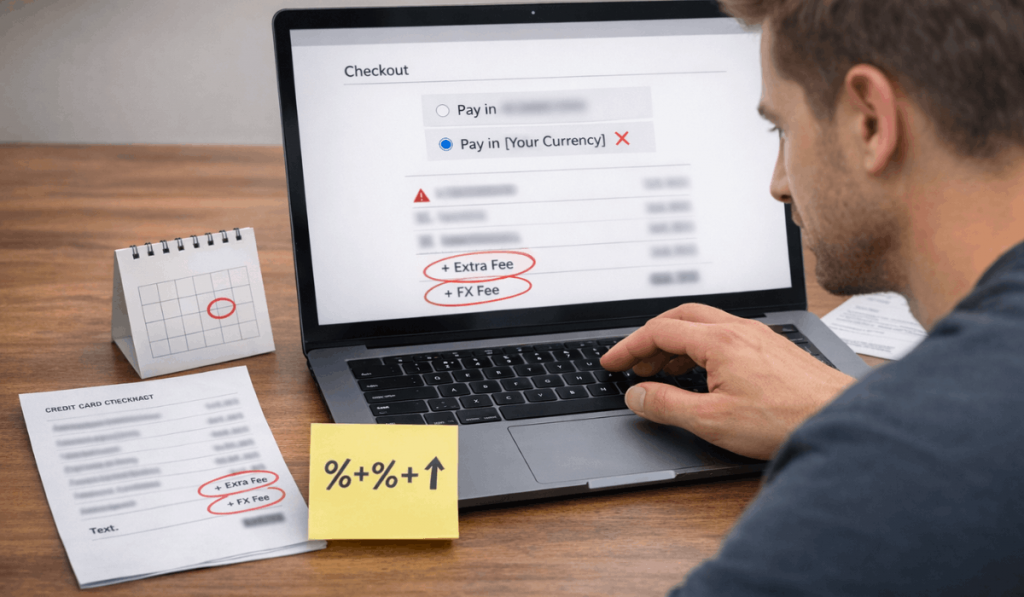
I would skip DCC on platforms like Amazon or eBay because the card network rate from Visa or Mastercard tends to run closer to 1% above mid-market. The math difference on a $150 order can be $3 versus $10 in conversion costs.
Who Sets the Exchange Rate on Your Purchase
The conversion can happen at several different points, and each one uses its own rate. Knowing who converts the payment helps predict the final charge.
The hierarchy matters because each party in the chain can apply its own spread above the mid-market rate, and some are far more expensive than others.
Marketplace Conversion vs. Card Network Conversion
When the marketplace converts at checkout (platforms like AliExpress do this), it uses its own internal rate with a built-in margin.
The card network never touches the currency because the charge arrives in your local currency. The trade-off: the marketplace rate might be worse, but you avoid your issuer’s foreign transaction fee entirely.
When the card network converts (Visa, Mastercard, Amex), the charge arrives in the seller’s currency and the network applies its daily rate at settlement. This rate is usually closer to mid-market, but your issuer can still add foreign transaction and cross-border fees on top.
| Conversion Point | Who Sets the Rate | Typical Markup Over Mid-Market | Extra Fees Possible |
|---|---|---|---|
| Marketplace | The platform | 2% to 4% | Rarely, already built in |
| Card Network (Visa/MC) | Card network at settlement | 0.5% to 1% | FX fee + cross-border fee from issuer |
| DCC (Pay in Your Currency) | Merchant or processor | 3% to 8% | May still trigger cross-border fee |
| Payment App (PayPal, etc.) | The app’s own rate table | 2% to 4% | App FX fee on top |
The cheapest path depends on your card’s fee structure, not a blanket rule.
Also read: What Buyer Protection Really Covers
Payment App Conversion Costs
PayPal and similar e-wallets apply their own exchange rate and may add a conversion fee on top of it. The rate spread on PayPal has historically run between 2.5% and 4% above mid-market for consumer transactions.
If your card has zero foreign transaction fees, paying directly with the card through the card network rate will almost always cost less than routing through PayPal’s conversion.
The “Always Decline DCC” Advice Can Backfire
Every personal finance article repeats the same line: always pay in the seller’s currency, always decline DCC. I think that blanket advice ignores the math for people whose cards charge a combined 2.5% or higher in foreign transaction and cross-border fees.
A card stacking 1.5% FX fee plus 1% cross-border fee means 2.5% in issuer charges on every foreign-currency transaction.
Some DCC providers mark up 3%, which is worse. But I’ve seen DCC rates that sit closer to 2% on certain European e-commerce platforms, which would beat the 2.5% your card charges.
The decision should come from comparing the DCC rate shown at checkout against your card’s total fee percentage, not a blanket rule.
The practical step: pull up your card’s fee schedule before your next international order. If the combined FX and cross-border fee lands above 2%, pay attention to the DCC rate being offered instead of automatically clicking “decline.”
Fees That Show Up Only on the Statement
Some costs never appear during checkout. They show up on the credit card statement or payment app receipt days later, and the total is higher than expected.
These hidden additions are the reason your final charge rarely matches the checkout total, even when the exchange rate stays flat.
Shipping Converted at a Different Rate
Shipping costs denominated in a foreign currency can be converted separately from the item price. The conversion can happen at a different time, using a different rate.
On split-shipment orders, each package triggers its own conversion event and its own set of fees. Three packages from one order can mean three separate currency conversions.
Tax and Duty Conversion Surprises
Import duties and VAT often get calculated separately and converted at whatever rate applies at the time of customs processing.
A brokerage or handling fee from the shipping carrier can sit on top of the duty amount. These fees are hard to predict because they depend on your country’s import thresholds and the carrier’s processing charges.
A Pre-Order Routine That Catches Hidden Costs
Running through a quick checklist before placing an international order takes about two minutes and can save a meaningful amount on larger purchases.
The goal is to identify exactly where the conversion happens and what fees apply before committing to the purchase. The steps below cover the gaps that most checkout pages leave out.
- Note the listing currency. If the product page shows USD but your card bills in PHP, a conversion will happen somewhere. Knowing the starting currency lets you calculate the expected total.
- Check your card’s FX and cross-border fees. Look at the issuer’s fee schedule, not the rewards marketing page. Cards advertising “no annual fee” can still charge 2% or more on foreign transactions.
- Decide who should convert. If your card charges zero FX fees, let the card network convert. If your card charges 2%+ in combined fees, the marketplace’s built-in conversion might cost less.
- Screenshot the checkout total and currency choice. If the posted charge is different, the screenshot is your evidence for a dispute. Without it, the bank assumes the posted amount is correct.
The screenshot step matters more than people realize. Refunds on international orders often get converted back at a different rate than the original charge.
The refund amount can be lower than the original payment even when the seller returns the full amount in their currency. Having the original checkout screenshot speeds up the dispute process.
Second, keeping records of the conversion method selected at checkout protects against billing errors where a platform applies DCC despite the buyer choosing to pay in the seller’s currency. This happens more often than checkout UX would suggest.
The Visa currency conversion calculator lets buyers check the card network rate for any currency pair before placing an order. Comparing that number against the marketplace’s quoted rate takes less than a minute and tells you exactly who is offering the better deal.
For a broader look at consumer protection on cross-border fees, the Consumer Financial Protection Bureau’s guide on international transfers covers fee disclosure rules that apply to international payments processed through U.S. financial institutions.
Questions People Ask About Currency Conversion Fees
Q: Do currency conversion fees apply if the seller charges in my currency?
Cross-border fees can still apply if the seller’s payment processor is located in another country, even when the transaction appears in your local currency. Check your card issuer’s fee schedule for cross-border charges specifically, since these trigger based on processor location.
Q: Is PayPal cheaper than paying directly with a credit card for international orders?
PayPal’s conversion rate typically runs 2.5% to 4% above mid-market for consumer payments. A card with zero foreign transaction fees and card network conversion will usually cost less. The comparison flips if your card charges high FX fees.
Q: Can I get a refund for currency conversion fees on a returned item?
The seller may refund the full product price in their currency, but your bank converts the refund at the current exchange rate, not the original rate. The conversion fee from the original purchase is also non-refundable in most cases.
Q: How do I know if a checkout page is using DCC?
Look for language like “pay in your currency” or a currency selector that defaults to your home currency instead of the seller’s. The DCC rate is often displayed next to or below the total, sometimes in smaller text.
Q: Does using a VPN change the currency conversion on international orders?
A VPN may change the displayed listing currency based on your apparent location, but the actual conversion depends on your card issuer and the seller’s payment processor. The posted charge follows your card’s billing country, not the IP address used during checkout.
Conclusion
Currency conversion fees turn a simple international purchase into a math problem with several hidden variables. Comparing the listing price, checkout total, and posted charge side by side reveals where the extra costs enter.
The cheapest conversion path depends on your specific card’s fee structure, not a one-size-fits-all rule. Saving that checkout screenshot takes five seconds and can save hours during a billing dispute.