A parcel can seem to vanish when the original tracker stops updating, even though it has moved into another carrier’s network.
That is common with international orders: one company handles export, another clears the border, and a local courier completes delivery.
Follow the route and watch the handoffs instead of refreshing one page all day. You need to know who has the package, what the latest scan means, and when a quiet period becomes a real problem. Act before a small delay becomes a larger issue.
Begin With the Shipping Record You Already Have
Start with the order page before opening tracking websites. It should show the shipping method, original tracking number, dispatch date, delivery range, and the logistics provider.
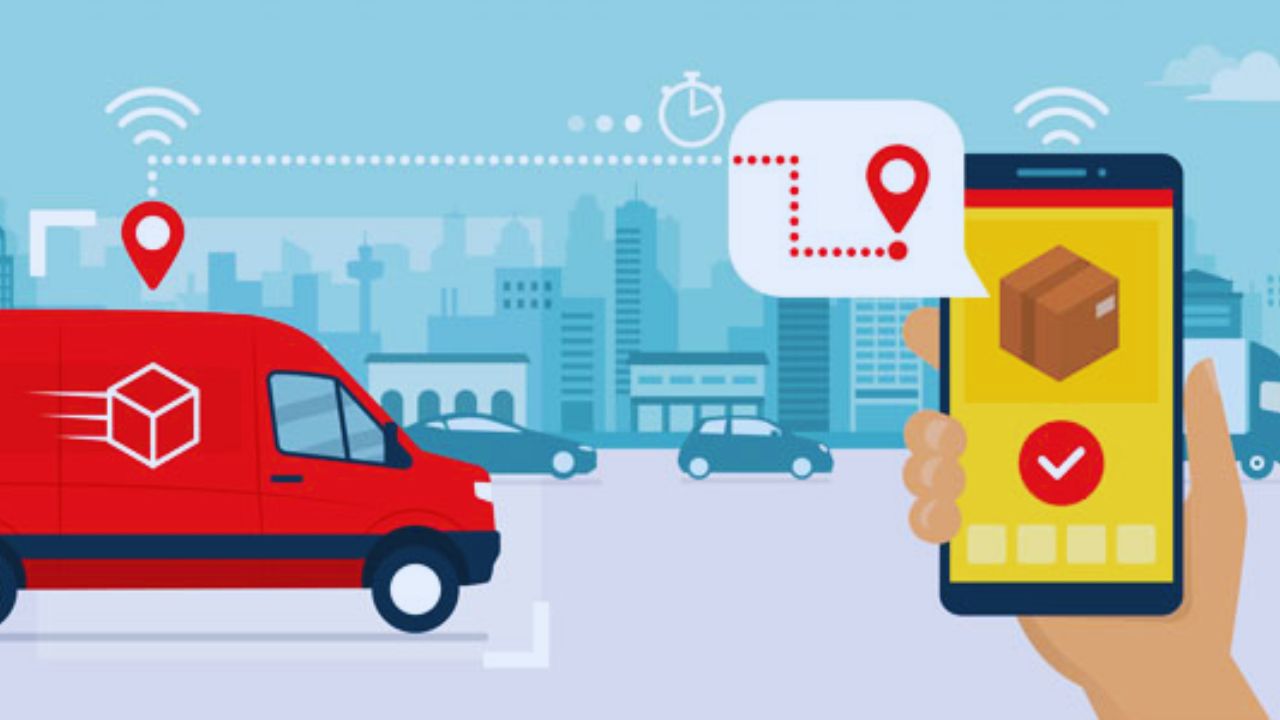
Save these details in a note or screenshot them. That gives you a starting point and avoids later arguments over the dates shown at checkout.
Save the First Tracking Details Exactly
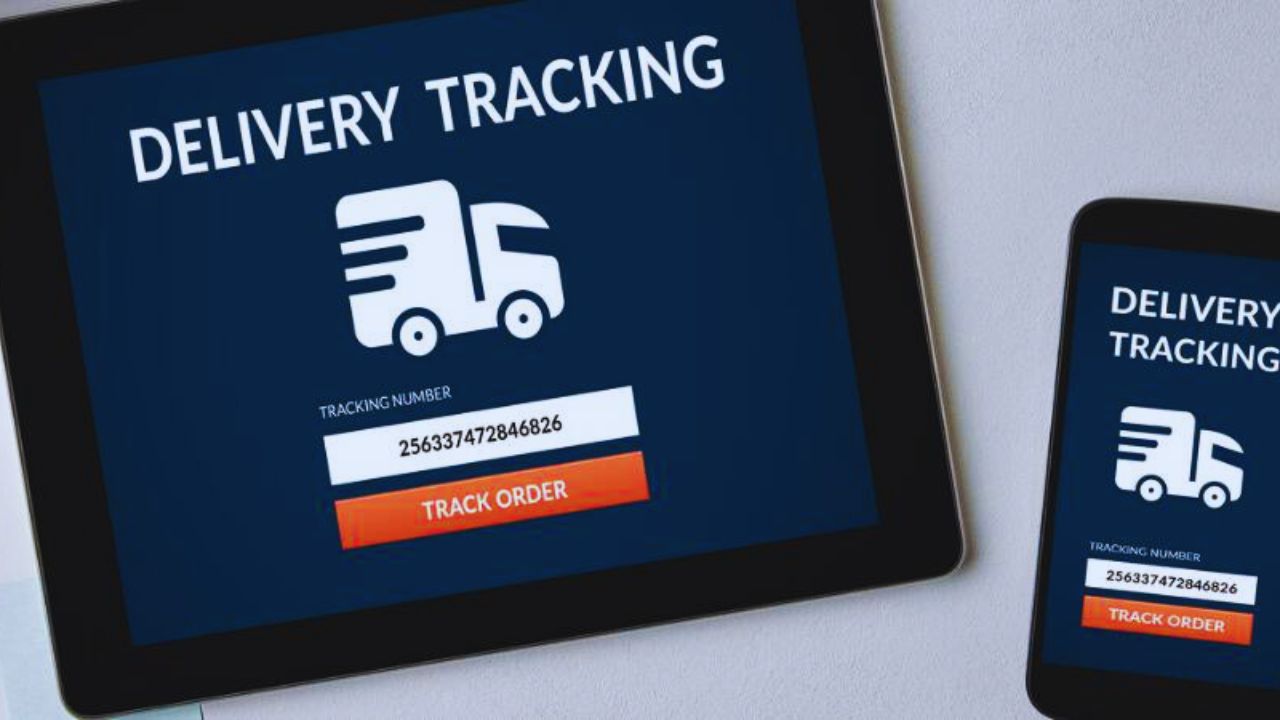
Copy the code rather than retyping it, because one incorrect character can lead to an invalid result or someone else’s parcel.
Keep the order ID, shipping promise, and date of the first carrier scan beside it. A label created by the seller is not proof that the parcel has left the warehouse. It tells you whether the item is in the delivery network or still awaiting dispatch.
Identify Which Carrier Holds the Parcel Now
The name shown at checkout may be a consolidator or postal partner, not the company that will deliver your parcel. Read the newest update for “handed to local carrier,” “arrived at destination facility,” or a second tracking code.
Save both numbers when one appears. The first follows the international journey; the local one often provides better delivery detail.
Follow the Route by Milestones, Not Constant Refreshes
Focus on major changes rather than every repeated “in transit” line. Carrier acceptance, export, arrival in the destination country, customs, transfer to a local courier, and out for delivery status each change what you should do next.
Thinking in milestones turns scattered scans into a useful timeline instead of a collection of unclear messages.
What Export and Import Scans Usually Mean
“Departed origin” may mean the parcel is waiting for a flight, moving between freight hubs, or travelling without another public scan.
“Arrived in destination country” usually means an import facility, not your local depot. Check the date and carrier before assuming either update means delivery soon.
A gap after export can be normal; an expired delivery window with no new scan needs attention.
Customs Can Be Slow Without Being a Failure
Customs updates are often vague, yet many simply mean the parcel is waiting for inspection, document checks, or duty payment.
Check the official carrier page, email, and marketplace messages for a genuine request, but ignore suspicious payment links in random texts.
Keep your receipt ready. A verified customs notice deserves action; a quiet clearance status may only need patience.
Switch to Local Tracking When the Route Changes
Multi carrier trackers are useful early because they show movement across borders. Near delivery, the destination courier’s official page may show a depot name, address problem, attempted delivery, pickup point, or rescheduling option.
Switch when local scans begin. You need specific information when the final mile matters most.
Watch for a Replacement Tracking Number
Some parcels keep one number, but others receive a different local reference after customs or a carrier handoff. Search the order page, tracking history, and carrier messages for a new code.
Confirm that its destination and dates match your purchase before relying on it. A local code may reveal a held parcel that the original number never shows.
Also Read: Pros and Cons of Buying Direct From Sellers
Use the Official Carrier Page Near Delivery
Once a local courier accepts the package, check its official page before contacting the seller. It may show a depot hold, address correction, delivery attempt, or pickup location.
If it says delivered, look for a photo, signature status, or location note, then check reception and nearby safe places. These details can turn an apparent loss into a quick recovery.
Know When a Quiet Parcel Needs Action
Not every pause requires a complaint. Holidays, line haul transport, weather, and customs can slow scans without changing the outcome.
Act when the estimated range has passed, a status lasts unusually long, or tracking shows return to sender, an address problem, or failed delivery. Let the last event and your deadline determine the next step.
Contact the Party That Can Actually Help
Ask the seller when there is no carrier acceptance, the number is wrong, or shipment details do not match the order. Contact the local carrier for an address issue, depot hold, or failed delivery attempt.
Use marketplace support when the seller is unresponsive or buyer protection is close. Send the order ID, tracking number, latest scan, and a summary. Clear facts work better than repeated frustration.
Protect Your Buyer Protection Window
Do not wait until the final day because a seller says “please wait” without explaining what they checked. Read the order page deadline and open the marketplace process while eligible if delivery stays unclear.
Save screenshots of tracking, messages, and official carrier notices. Preserving your claim rights is safer than losing the option to act.
Keep a Small Tracking Routine for Future Orders
You do not need a complex spreadsheet. A note with the order date, tracking codes, latest scan, delivery range, and buyer protection deadline is enough.
Check after major milestones instead of every hour, update it when a new carrier appears. This keeps your records useful and your attention on changes.
A Three Point Check Before You Escalate
Before messaging anyone, make sure the issue is not a missed scan, new local number, or customs request you have not seen.
Then use this short check to decide whether to wait, contact the carrier, or open a marketplace case. It keeps your message accurate and gives support staff the information they need without back and forth.
- Confirm the latest scan, carrier name, and delivery estimate.
- Check for a local tracking number, customs notice, or delivery exception.
- Save screenshots before contacting the seller, carrier, or marketplace.
Follow the Handoff Instead of Guessing
Tracking packages across different carriers is less stressful when you treat each scan as part of a route, not a promise. Save the early details, switch to the local courier when the handoff appears, and act before buyer protection tightens.
Most delays become easier to explain once you know who holds the parcel. Follow the evidence, not the anxiety, and keep the records that support your next move.